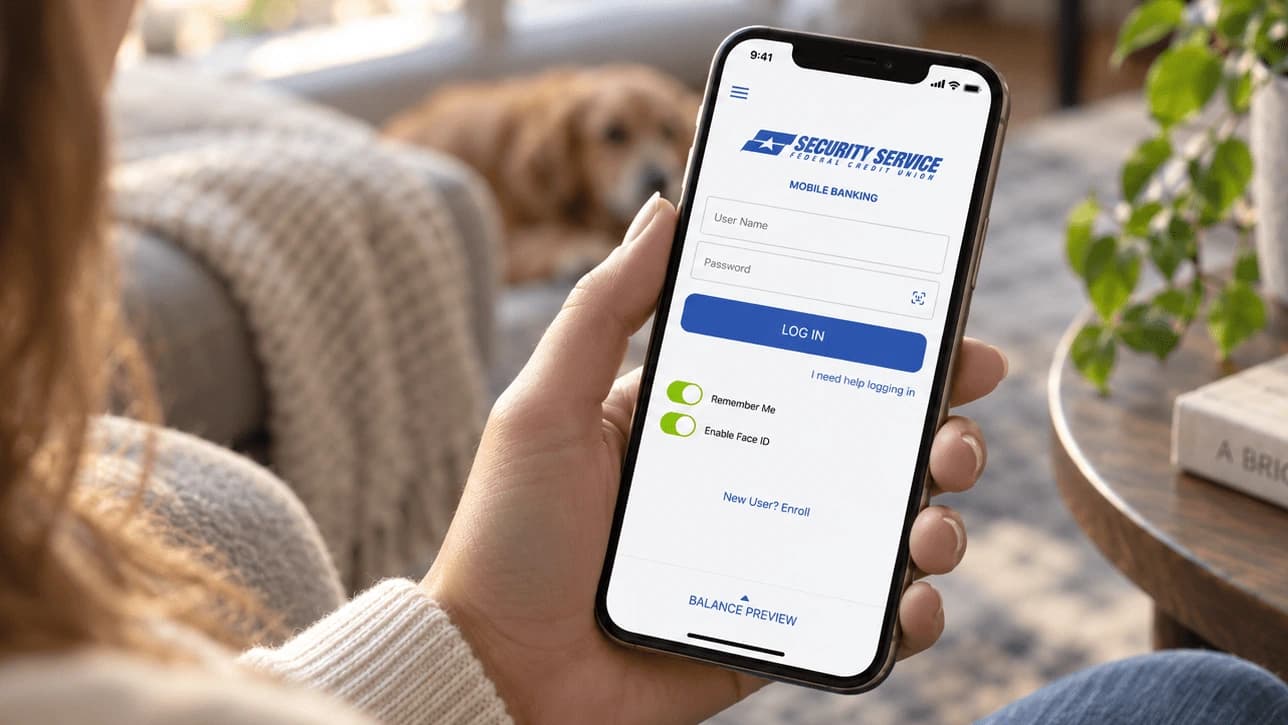
Plan Your Visit
To plan your visit, log into your app and select Drive-Thru Visit.
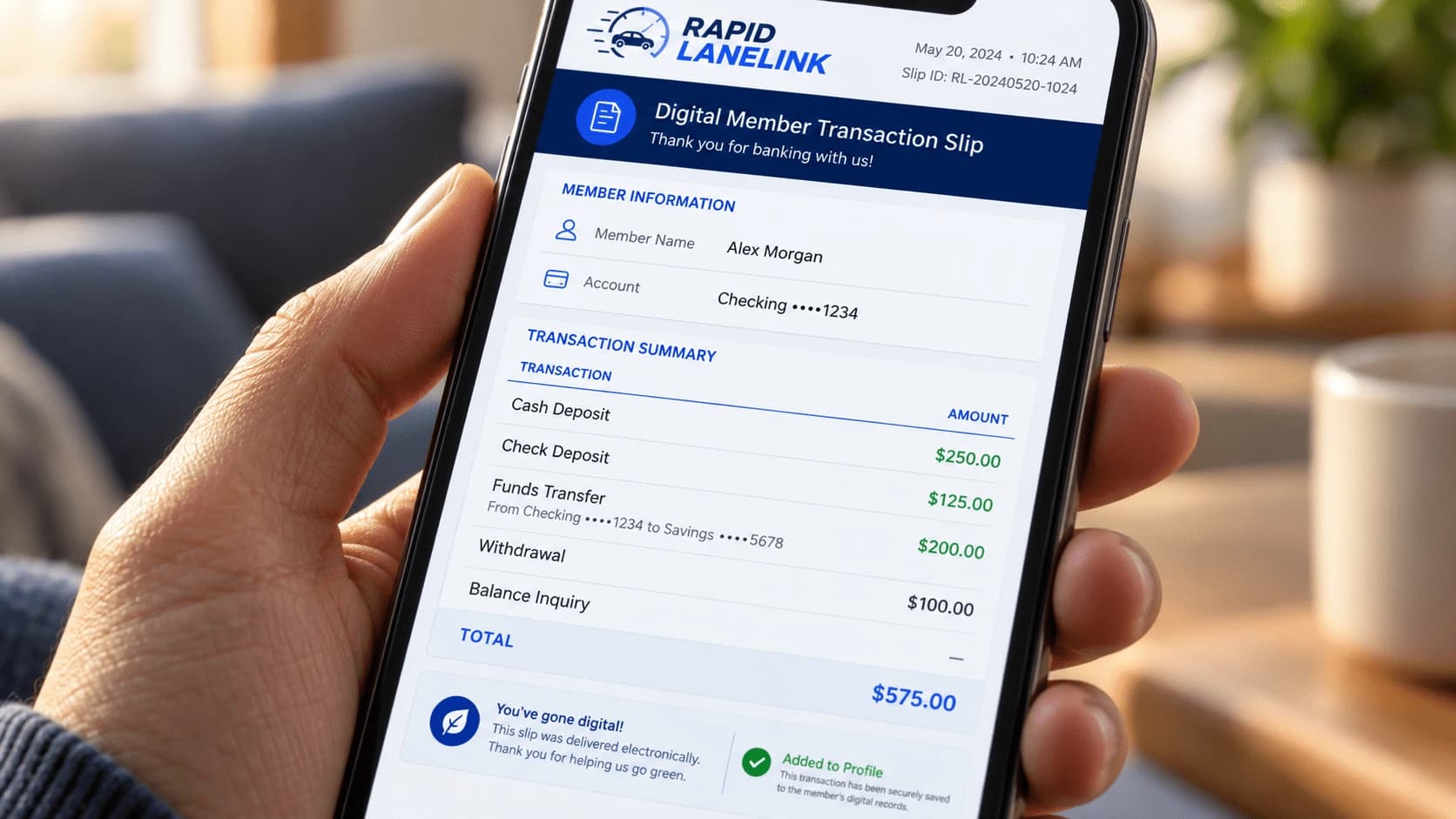
Create a Digital MTS
Fill out the digital Member Transaction Slip (MTS) and save it to your profile. The app will prompt you to bring and present any necessary items for your transaction type.
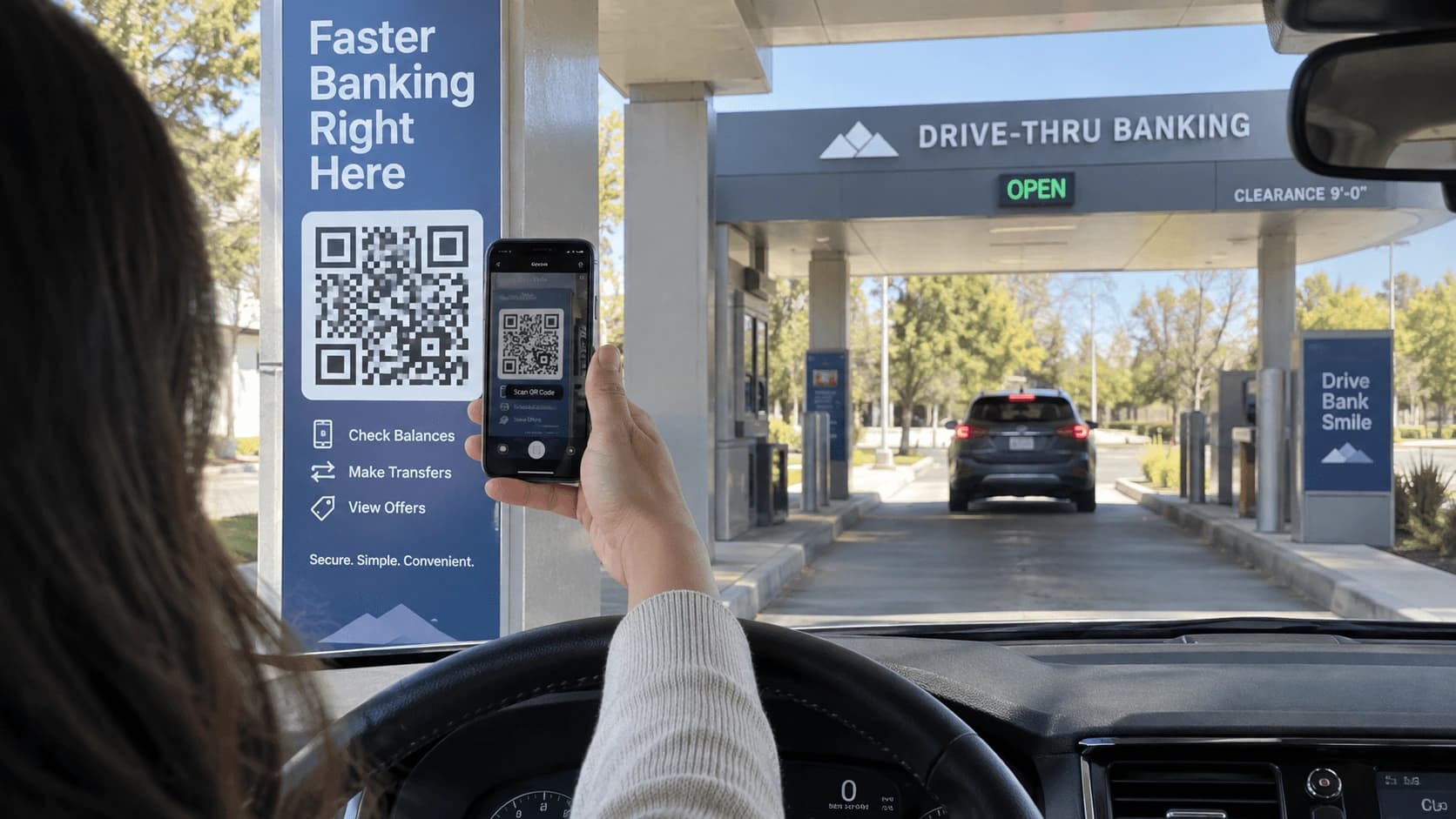
Scan the QR Code
When you arrive at the branch, scan the QR Code in the drive-thru lane to enter the Rapid LaneLink queue and receive your queue number. Didn't prep a digital MTS before coming to the branch? No problem! Scanning the QR code will prompt you to create one.
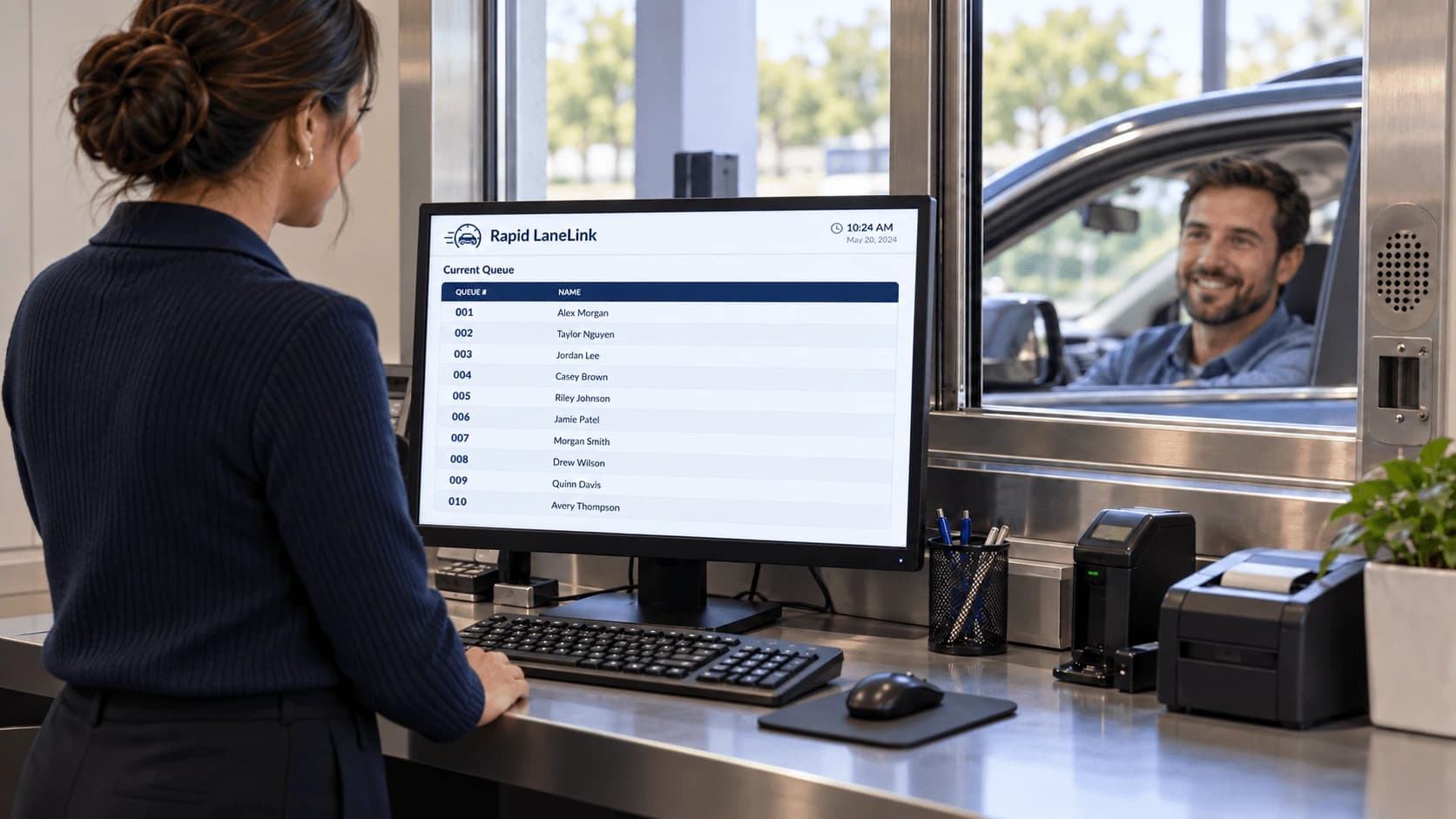
You're Up!
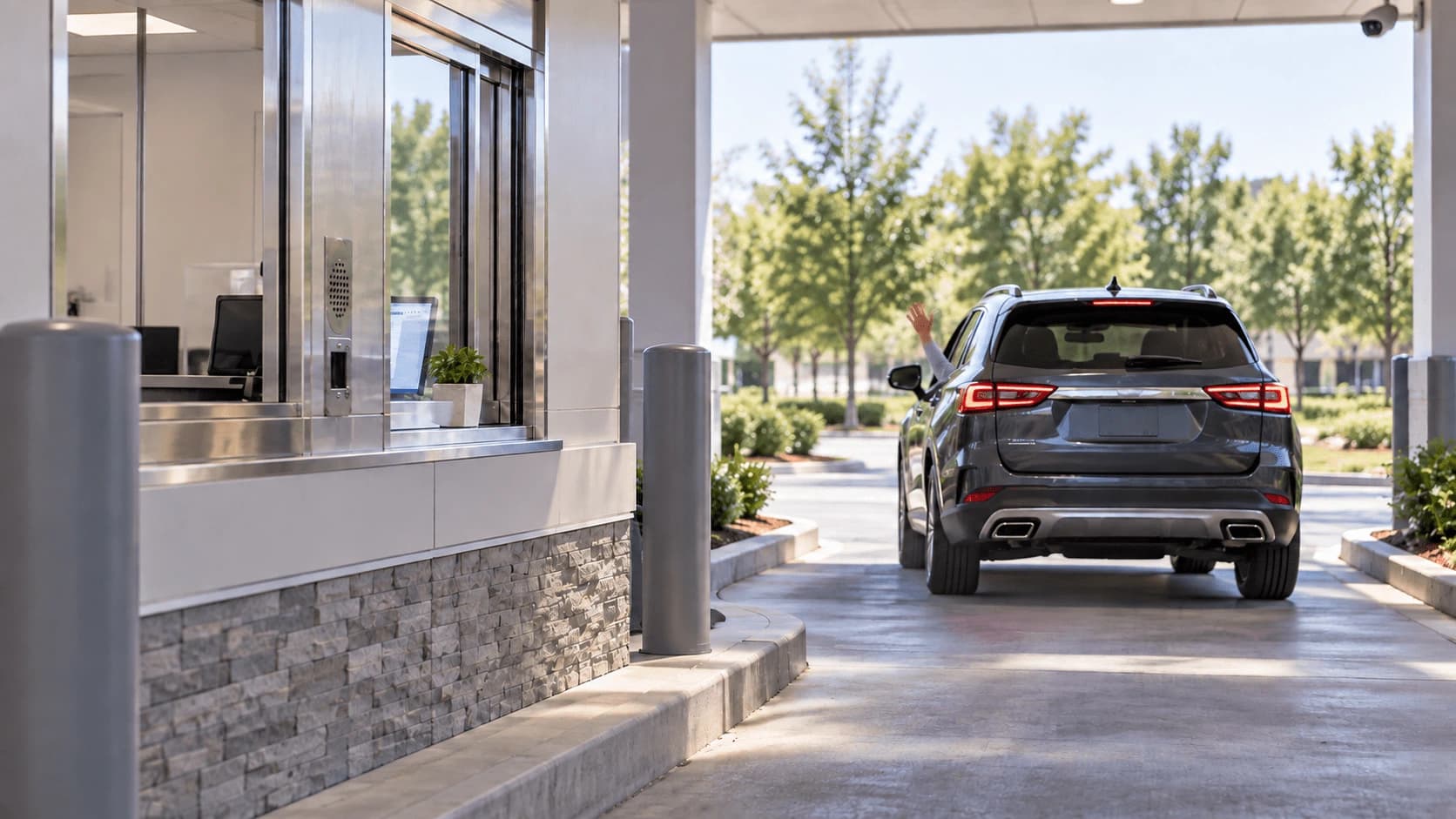
Once you arrive at the window or cannister, give your queue number to the teller. They will choose you from the queue to automatically receive your digital MTS and begin your transaction. No paper or wet signature needed!
Finish Your Visit
Follow any necessary instructions from the teller to complete your transaction and enjoy the rest of your day!
Secure. Faster. Easier. Still Personal.